Have you ever marveled at your technical skills, only to have your understanding of design principles hold you back? Let’s break down creative barriers together with Betty Genius: our answer to assisting developer and business teams in rapidly creating UI designs as if drawn up by a UI/UX expert. A single prompt is your stroke of genius to deftly crafted web pages.

AI Design-to-Dev
Dare to think bold in your designs, together with Betty Genius
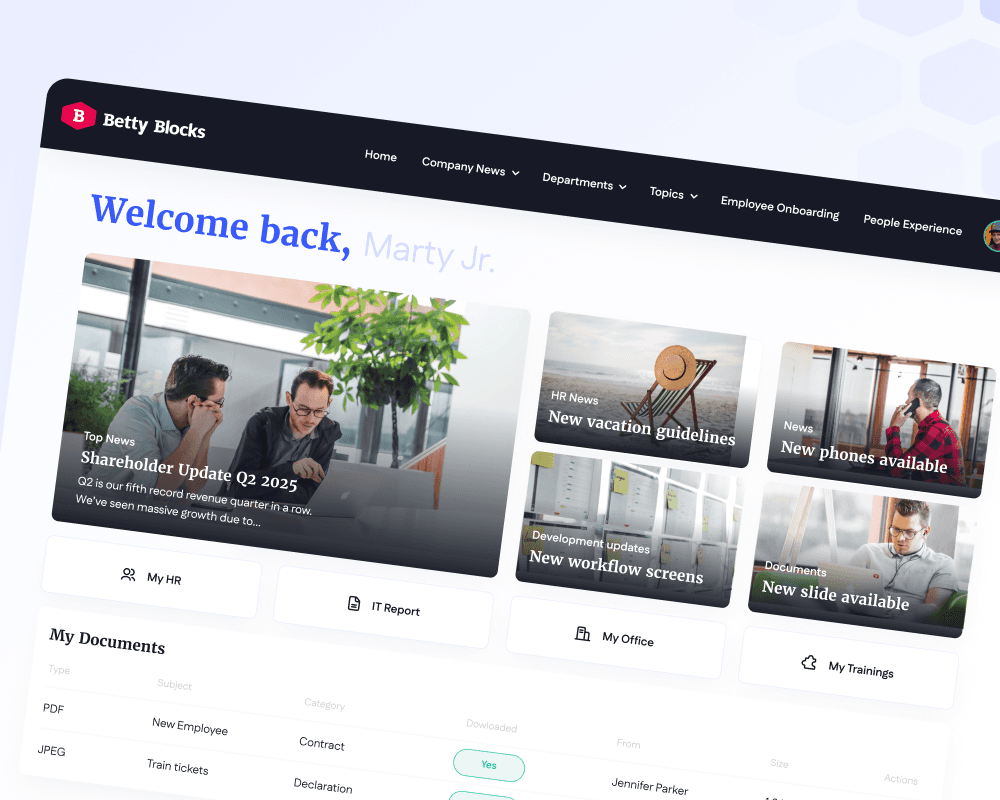
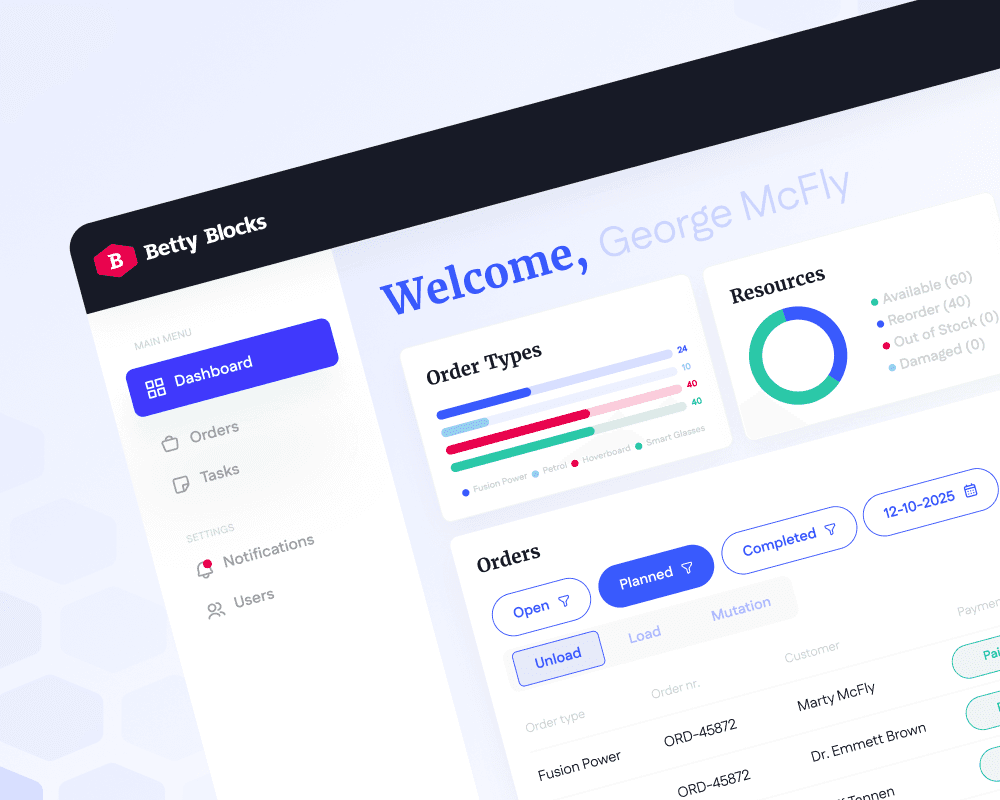
Betty Genius sets the stage for designers and developers to collaborate in the same space. Seamlessly create web apps with AI while keeping an unparalleled user experience across all screen sizes at the forefront. Betty Genius blends harmoniously with key UI design principles, maintaining clarity for stakeholders and familiarity for designers.

No-code
No code. All vibes.
Vibe code to your heart’s content using generative AI. Thanks to embedded guardrails, Betty Genius helps keep your application safe and compliant. Enjoy the best of vibe coding and unparalleled low-code governance with every enterprise application you build. Since Betty Genius utilizes generative AI within the confines of the Betty Blocks platform, users enjoy the full suite of app security controls without compromising their creativity.
Frictionless High-Fidelity Handover
Great applications deserve stunning user interfaces
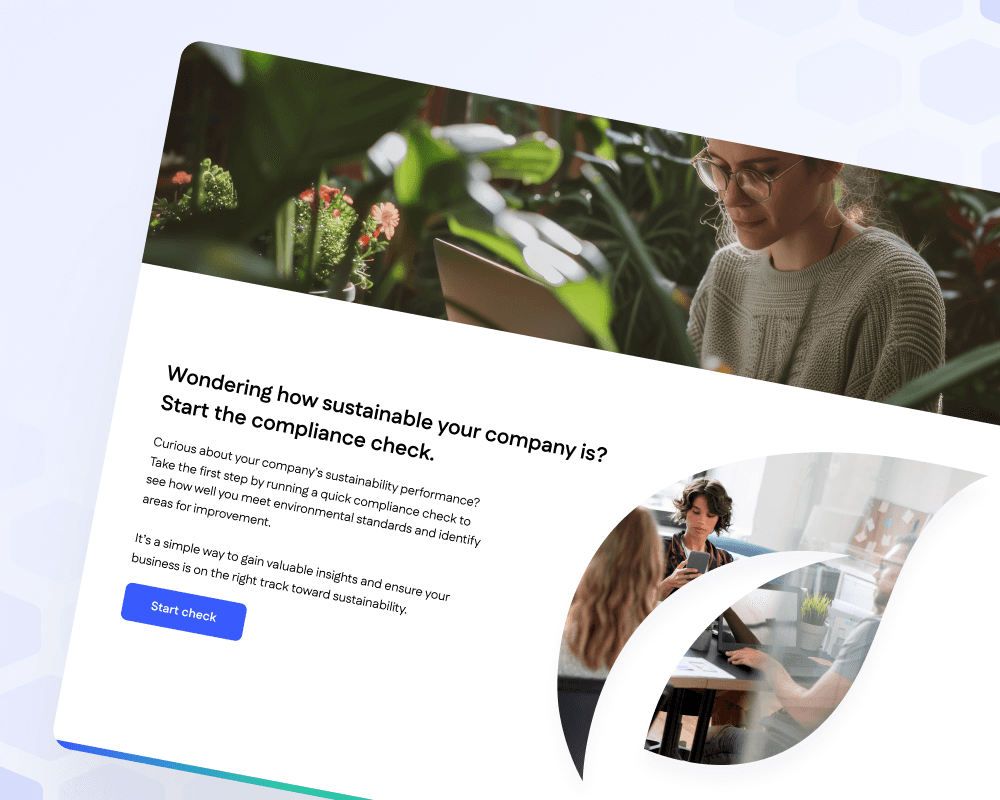
Bring AI UI designs to life applications faster, smarter, and together with your whole team. Remove friction by providing both parties a platform where they speak the same language and feel empowered by the right tools. Handing over an app project to experienced low-coders has never been this fast, easy, and diligent. Whether your use case is simplified or complex, Betty Genius adapts to your challenges at every step of the design process.
AI Design-to-UI
Go from text to app in four easy steps
Define your application’s success criteria, and let Betty Genius do the heavy lifting. Go from a text-based prompt to a custom page for your web application, without ever having to leave the Betty Blocks platform environment. All prompt outputs are fully compatible with the full suite of nifty Betty Blocks platform features, including Page Builder components, Data models, and Action Steps.
01
Prompt your layout and basic use case requirements
By establishing and validating the success criteria of your application beforehand, you will be able to translate your requirements into a digestible prompt. Prefer to design from the hip? No worries, the Betty Genius AI model is context-based and remembers previous iterations without overwriting them. Navigate to the prompt box and enter the instructions for the AI.
02
Betty Genius executes your prompt to generate custom UI builds
Remove creative barriers instantly by letting Betty Genius transform your written instructions into a clear-cut page layout, keeping user flows and UX paramount. Let high-fidelity prototypes inspire confidence in stakeholders and edit design requirements on the fly. Betty Genius stays available in the sidebar of the Page Builder until you’re ready to finalize your page layout.
03
Finalize the page components in the platform’s Page Builder
All frontend UI designs generated by Betty Genius are rendered directly in the platform’s Page Builder. Utilizing our platform’s native components makes expanding and refining your application a breeze. Enjoy the combined speed of AI in app development and polish your designs in the next step using drag-and-drop components or low-code development. The choice is entirely up to you.
Idea to Prototype
Turn your idea into a working prototype in just 24 hours
That’s right. Send us your idea, and after a quick scoping session, our Solution Architect will turn it into a working prototype faster than package delivery!
Frequently Asked Questions